

How TotalSite™ Works
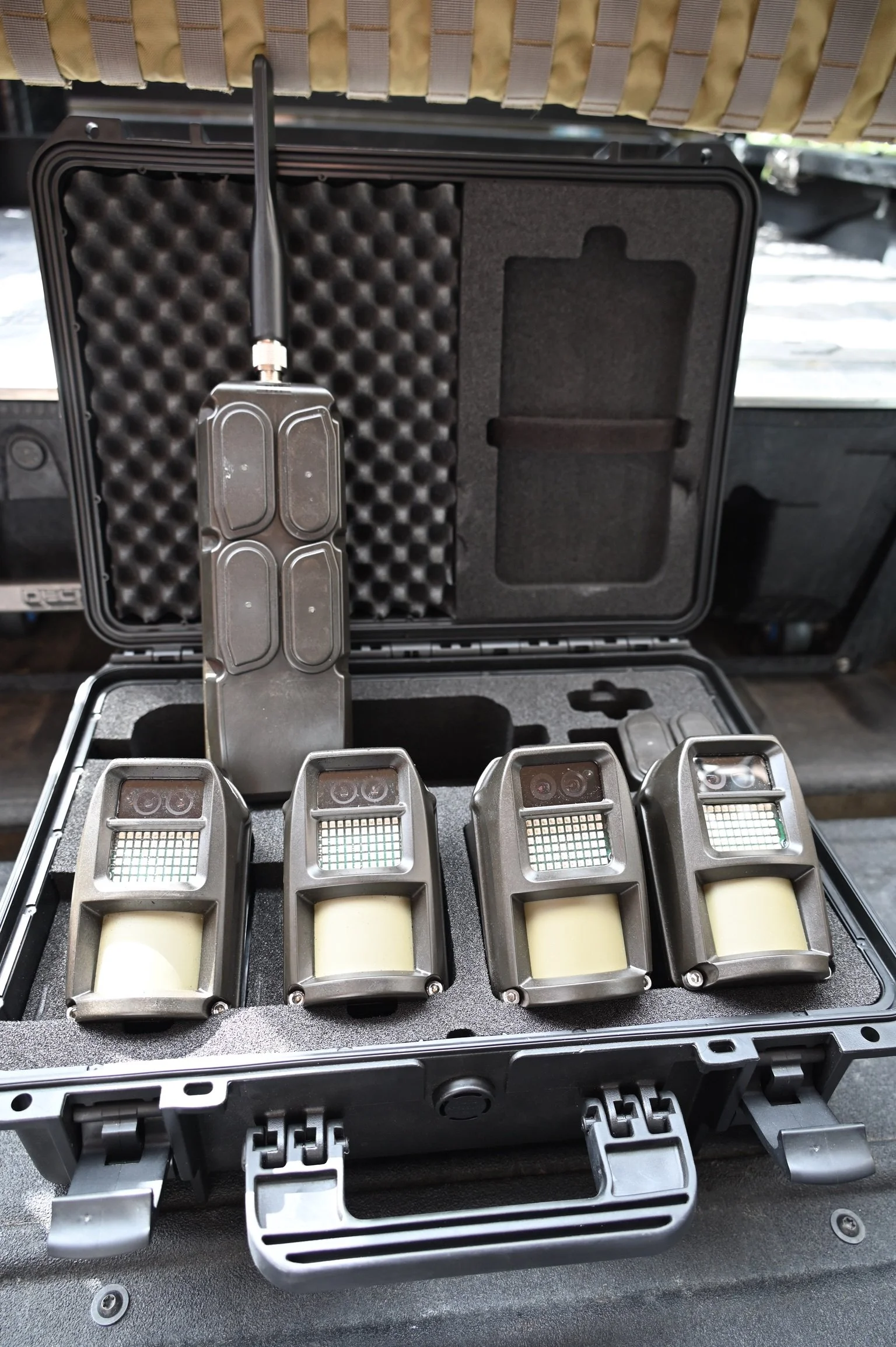
A smarter, faster way to deploy national security
Client‑Deployed, Provider‑Managed
Perimeter TotalSite™ combines rugged hardware, AI filtering and centralized management, so your team can deploy quickly and operate with confidence. We preconfigure every unit, monitor system health and support your team from shipment-to-installation and long‑term operations. You choose how monitoring works — self‑monitor or 24/7 professional coverage — and easily scale from one site to hundreds nationally without any significant infrastructure requirements.
Deployment Steps
PLAN
We assess your site, identify coverage needs and select the right TotalSite™ solution. Power and connectivity requirements are confirmed up front, to ensure a smooth deployment.Deliverable: A complete bill of materials, site layout and deployment checklist
CONFIGURE
Our team preconfigures all hardware, AI analytics and alerting rules before shipment, so every component arrives ready to activate. Credentials and user access are provisioned in advance.Deliverable: Ready‑to‑deploy equipment, configured analytics and user access
DEPLOY
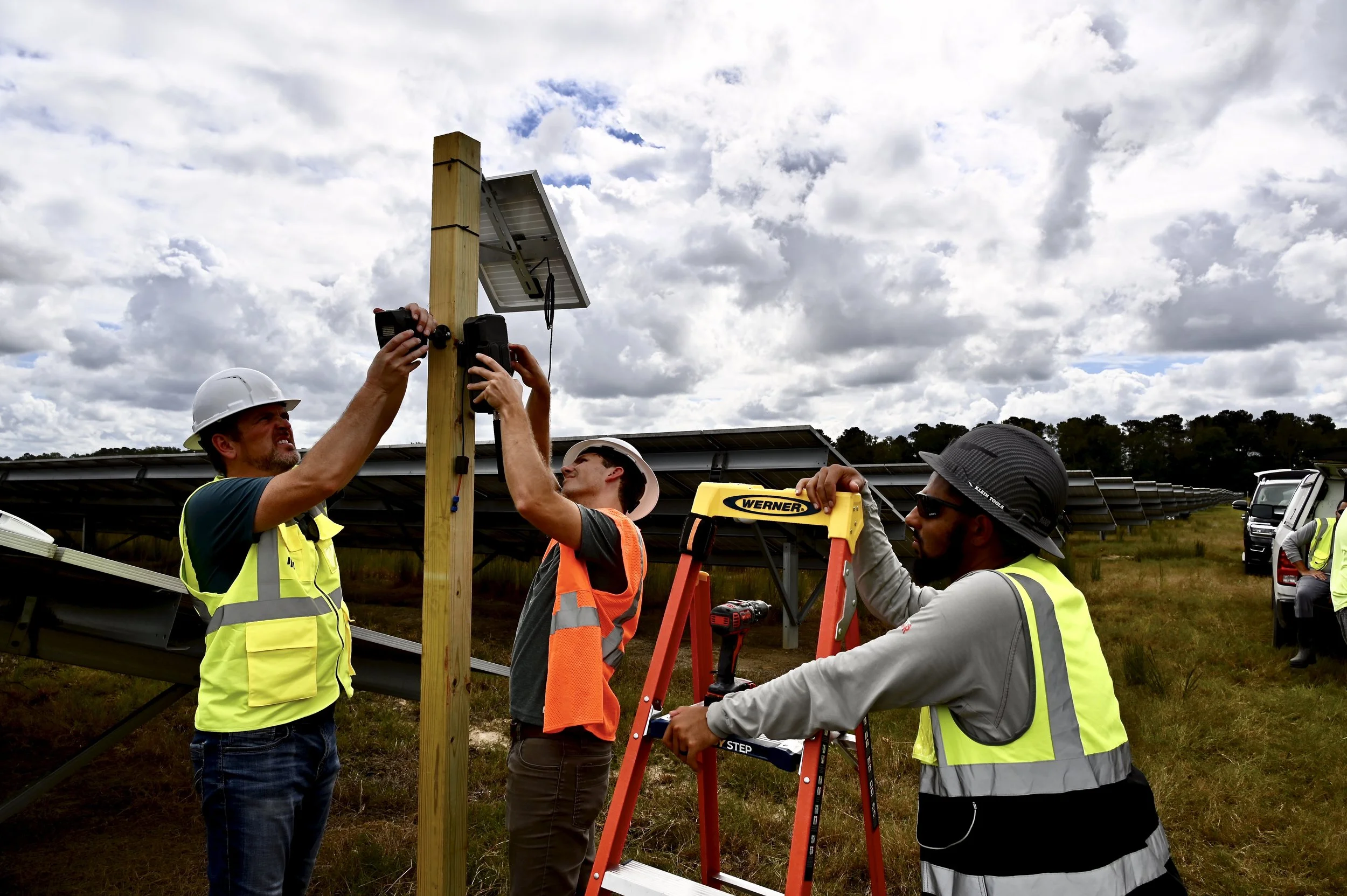
Your team installs the system on site in minutes. Wireless kits require no trenching or permits, and remote support is available throughout setup. Once installed, our team validates connectivity and brings the system online.
Deliverable: Devices online, configuration validated and alerting confirmedMONITOR
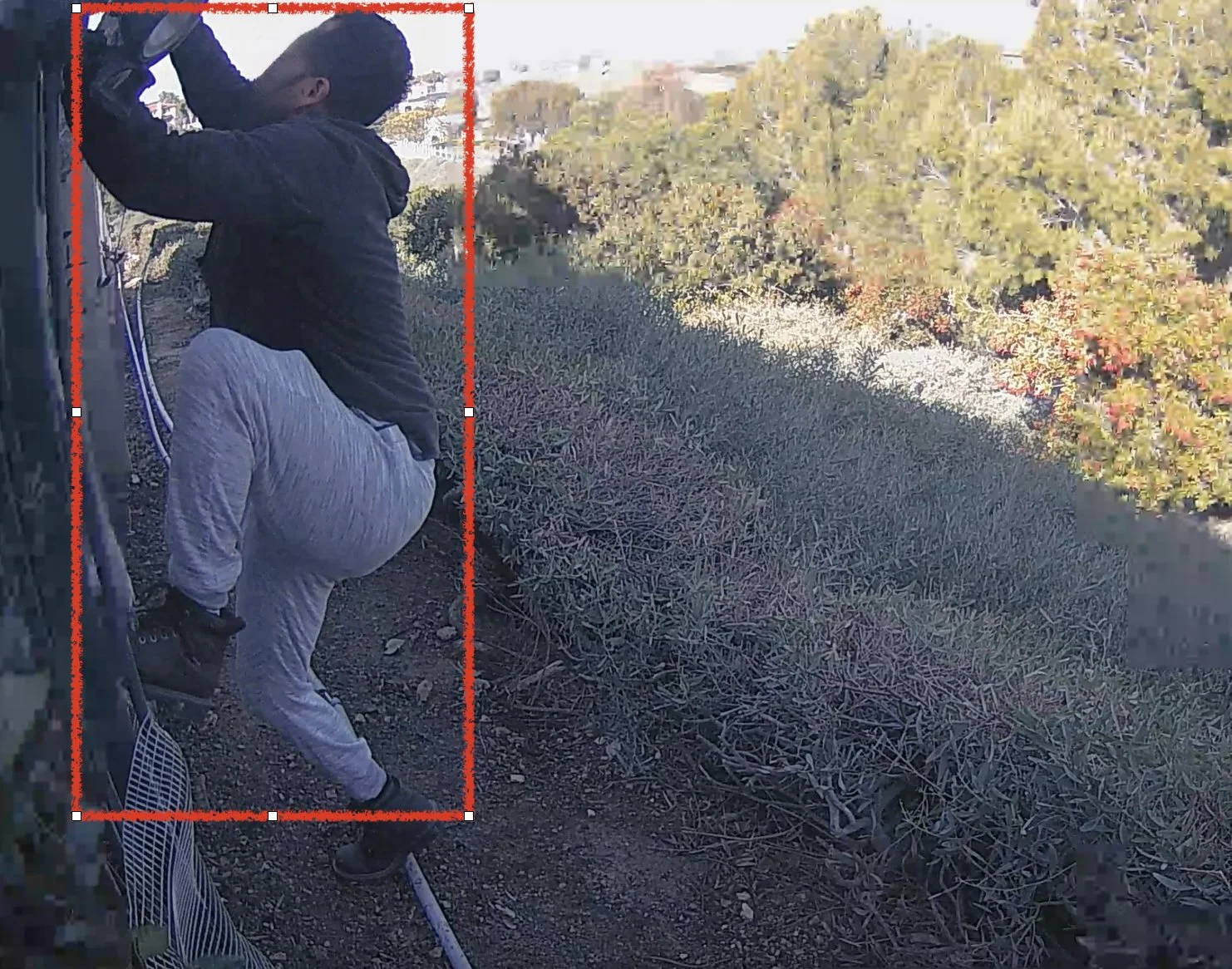
AI filtering sends immediate alerts to our 24/7 professional monitoring center for active threat engagement, including contacting police departments, notifying the owner and triggering on‑site sirens.
Deliverable: Reliable visibility, faster response and lower total cost of ownership
What’s Included
Pre-configuration for devices, AI analytics and alerting.
Remote setup support for the installation teams.
System health monitoring with proactive notifications.
Remote configuration changes and policy updates.
Secure access management for users and roles.
Maintenance guidance and replacement support.
Monitoring Options
Select the option that works best for your operation. You can update this per site.
Recommended: 24/7 Professional Monitoring - Events are verified by trained operators at a central station. Escalation follows your protocols, including contact procedures and coordination with law enforcement.
Optional: Self‑Monitoring - Your team receives AI‑filtered alerts via app, email or dashboard. Use silent mode when needed, to observe without launching an escalation.
Escalation Processes
Determine monitoring hours, contact-call-out-list and rules for each site.
Specify which event types trigger call-out procedures.
Add optional siren, lighting or speaker activation.
Record after‑action notes to support incident tracking.

Ready to deploy?
Let’s scope your site and choose the right TotalSite™ package.